Please submit your Document Data Points,
for Step 1. Personalization Pro,
using the Questionnaire below
(There are about a dozen slides.)
Please take care to ensure the information is EXACTLY how you want it in your Documents!
NOTE: The Questionnaire proceeds as if the Original/Initial Trust Beneficiary is my Customer, who is also generally the Management Company LLC Manager.
If your situation is different, please simply be mindful of that and adjust if need be.
Towards the end of the Questionnaire, you will have an opportunity to share questions, comments, or concerns... and even upload/attach any documents or other files you wish!
Each slide in the Questionnaire has important information/reminders relevant to the given Data Points.
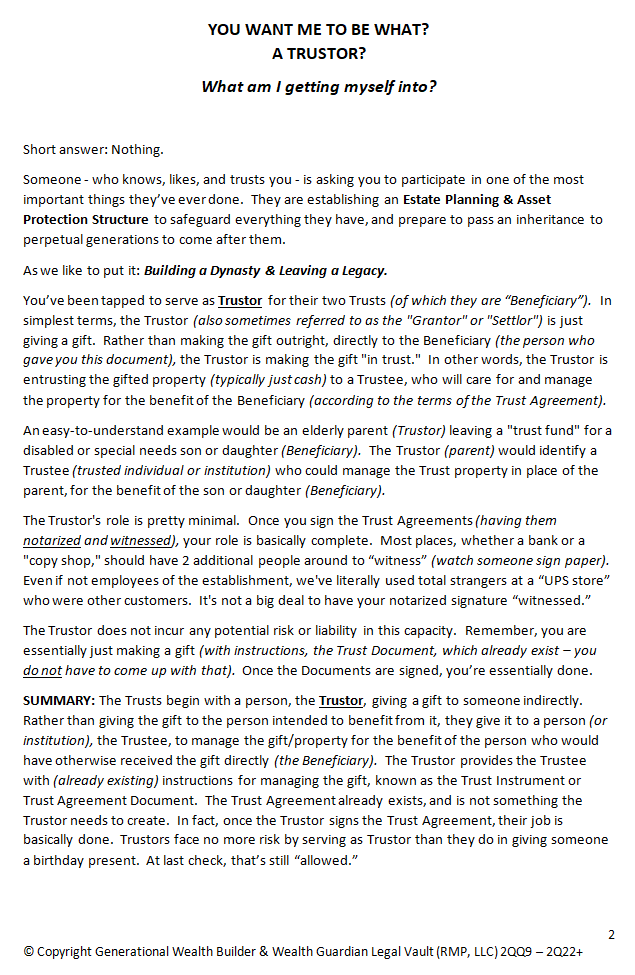
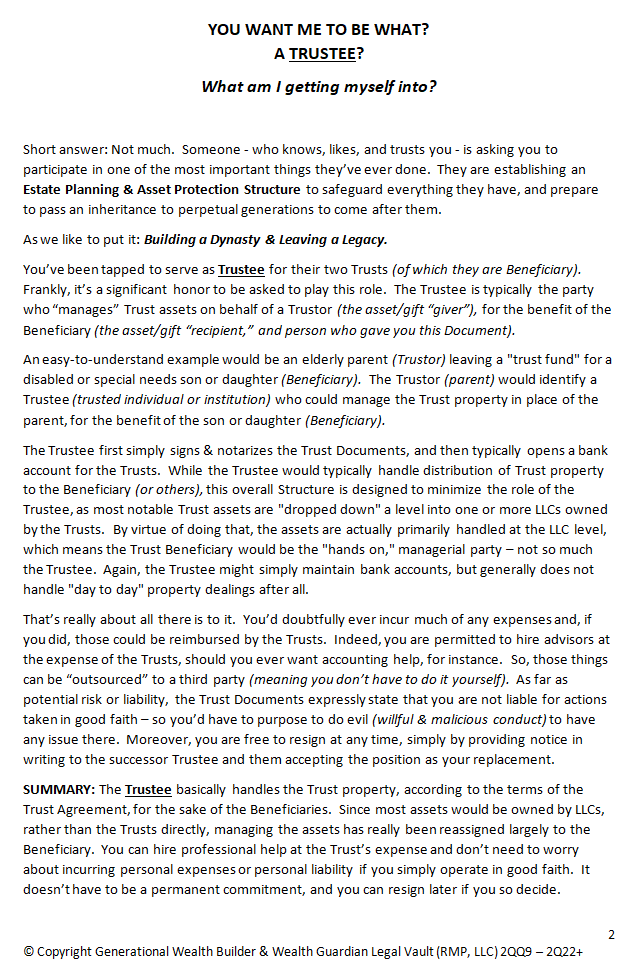
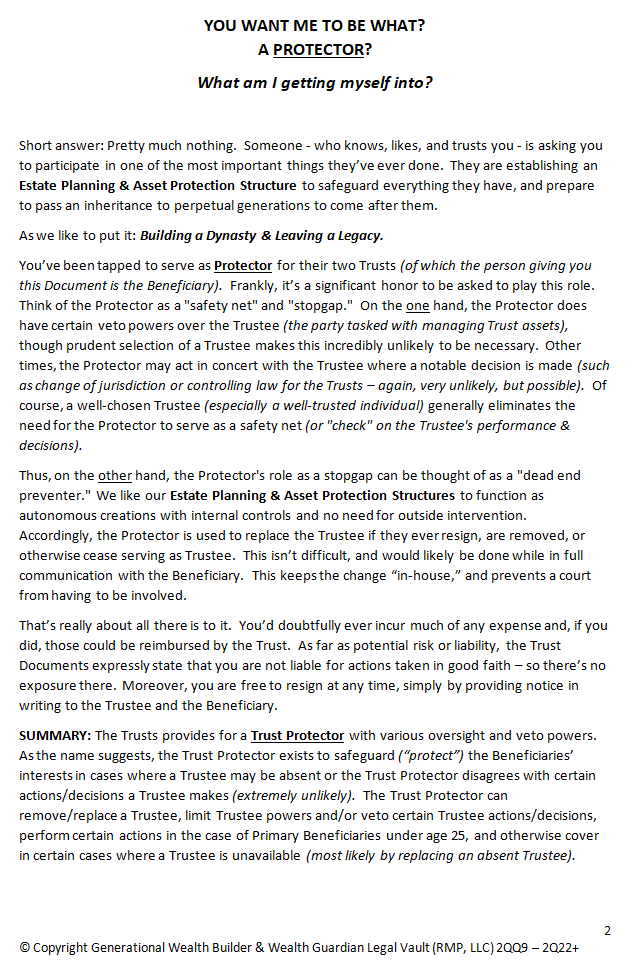
For your convenience, the Overview Documents briefly summarizing the Trustor, Trustee,
and Protector roles are displayed in the Image Slider beneath the Questionnaire.
If you want additional information, beyond the slide narrative and Overview Documents,
please log in to your Wealth Guardian Account in the G.W.B. Member's Lounge.
Trustor, Trustee, and Protector Overviews
The Image Slider below will rotate through the 3 different Documents for you (about every 5 seconds)... or you can use the arrows to find the one you want.
Simply hover over the Document you wish to reference & the carousel will stop rotating.
Alternately, you may click on a given Document and the full PDF will open in a new tab (which you may incidentally discover if you aren't precise with your "arrow clicks"!).